
How to Manage Online Class with Online Class Management?
An online class always demands online class management to deal with messy when lessons, tasks, messages, and progress checks are scattered. Here are practical ways from Estudyme to plan better, engage students, track progress, and choose the right tools.
I. What is online class management?
Online class management is the system a teacher uses to organize and run an online class. It helps students understand where to learn, what to do, when tasks are due, and how their progress is tracked.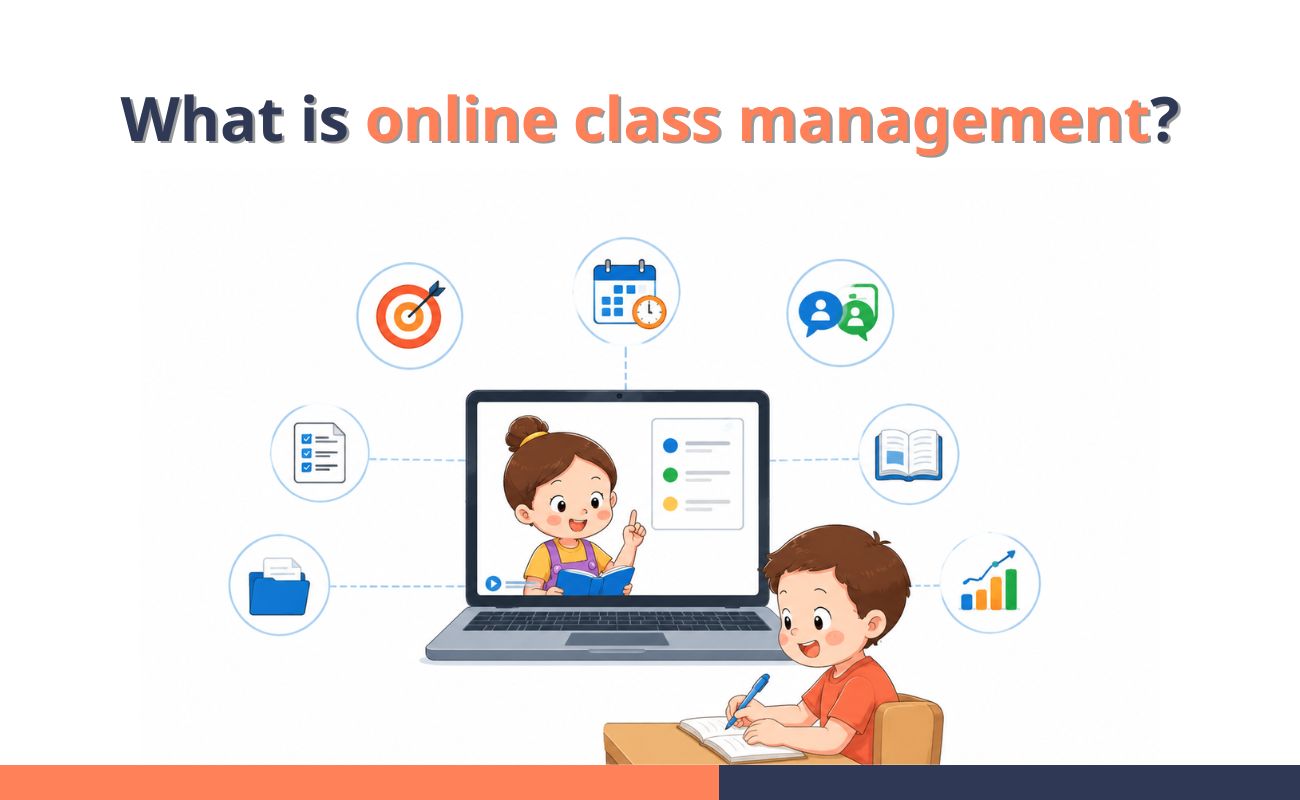 What is online class management?
A well-managed online class usually includes:
- Clear lesson goals
- Consistent class routines
- Simple participation rules
- Organized materials
- Easy-to-follow assignments
- Regular teacher-student communication
- Progress and deadline tracking
II. Common challenges in online class management
So why do many online classes become hard to control?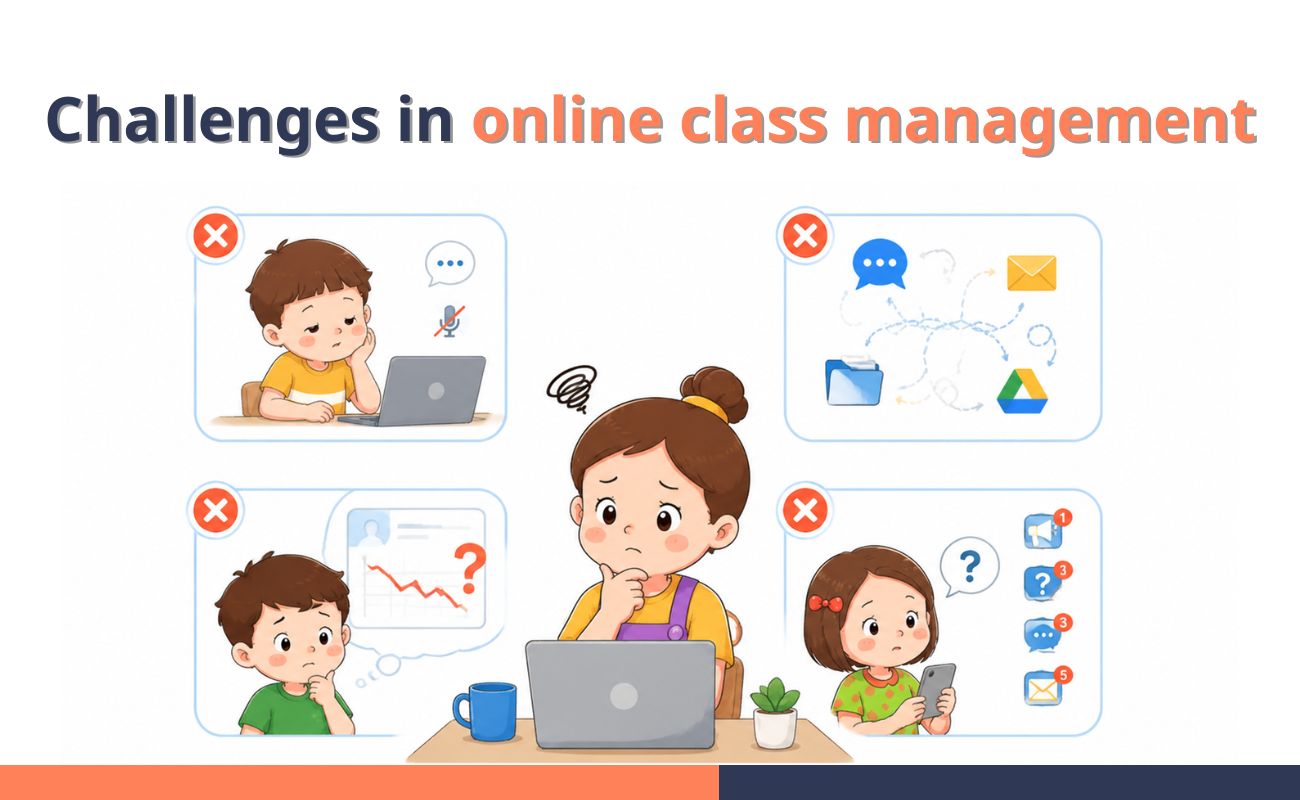 Common challenges in online class management
- Student focus and participation: A student may be online, but not truly present. Without face-to-face interaction, it is harder for teachers to notice who is focused, who is confused, and who is quietly falling behind.
- Scattered assignments and deadlines: Online classwork can quickly spread across chat messages, emails, shared folders, and different learning tools. When students have to look in too many places, missed tasks become more common.
- Limited visibility into student progress: Progress is harder to read in an online class. A teacher may only notice a problem after several missed assignments, low quiz scores, or repeated silence. At that point, the student may already need extra support.
- Weak communication between teachers and students: Important messages are easy to miss when announcements, questions, feedback, and reminders are not kept in one clear place. Students feel unsure about what to do next, while teachers spend more time repeating the same information.
III. How to manage an online class effectively
A good online class does not need to feel complicated. These six steps help you keep lessons clear, students active, and progress easier to follow.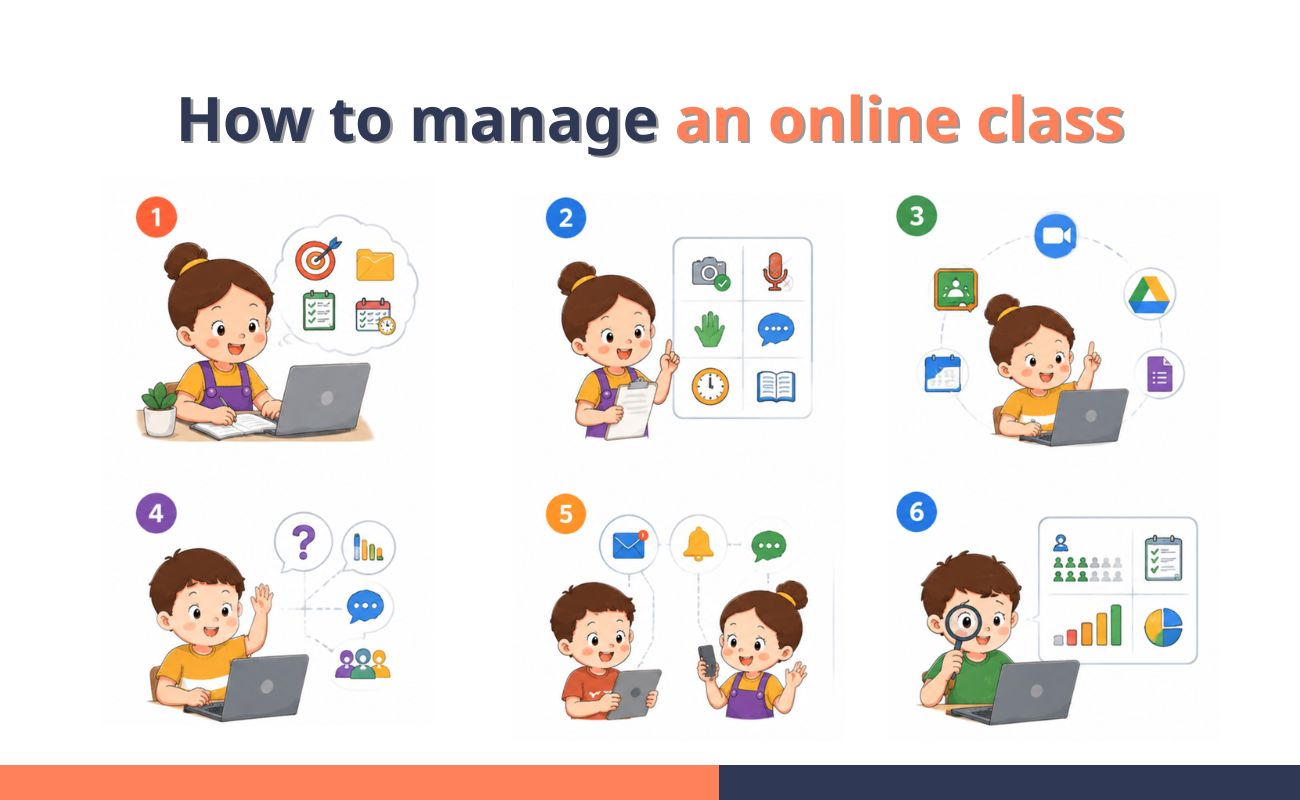 How to manage an online class effectively
1. Plan ahead
- Set one clear goal for each lesson.
- Prepare slides, links, tasks, and materials before class.
- Decide what students should do before, during, and after the lesson.
- Keep all class materials in one easy-to-find place.
- Prepare backup tasks in case students finish early or technical issues happen.
- Make sure every assignment has a clear deadline and instructions.
2. Set clear rules and routines
- Set rules for attendance, camera, microphone, and chat.
- Explain how students should ask questions during class.
- Use the same class flow each week when possible.
- Start with a quick check-in or review.
- End with a short recap and homework reminder.
- Put important rules and deadlines in writing.
See also: How to improve English writing skills
3. Use the right tools
- Choose one main platform for classwork, tasks, and updates.
- Use video tools mainly for live teaching, discussion, and lesson review.
- Keep assignments, tests, and deadlines in a system students can check anytime.
- Avoid using too many apps for the same class.
- Pick tools that save time, not tools that create extra steps.
- Make sure students know exactly where to find materials and submit work.
4. Foster engagement
- Start with a quick question to bring students into the lesson.
- Add short quizzes, polls, or small tasks during class.
- Ask students to respond in chat when they feel shy speaking.
- Use breakout rooms only when the task is clear.
- Call on students gently, not as a test or pressure.
- Check understanding with simple questions before moving on.
5. Communicate regularly
- Use one main channel for class updates.
- Keep announcements short and easy to act on.
- Remind students about deadlines before they become urgent.
- Put important instructions in writing, not only during the live lesson.
- Give students a clear way to ask questions after class.
- Follow up with students who miss tasks or stay quiet for too long.
6. Track attendance, progress, and assignments
- Check who attends each class.
- Review who completes assignments on time.
- Look at quiz results and task performance regularly.
- Notice students with repeated late work or low participation.
- Keep progress records in one place.
- Use reports to decide who needs extra support.
IV. How Estudyme supports online class management
Online classes start to slip when teachers cannot see the whole picture. A task is missed, a score drops, and the learning gap becomes visible too late.Estudyme classroom management gives teachers a cleaner way to run online classes from one centralized platform. Teachers can create classes, control enrollment, assign exercises and tests, set deadlines, set attempt rules, and monitor progress in real time.
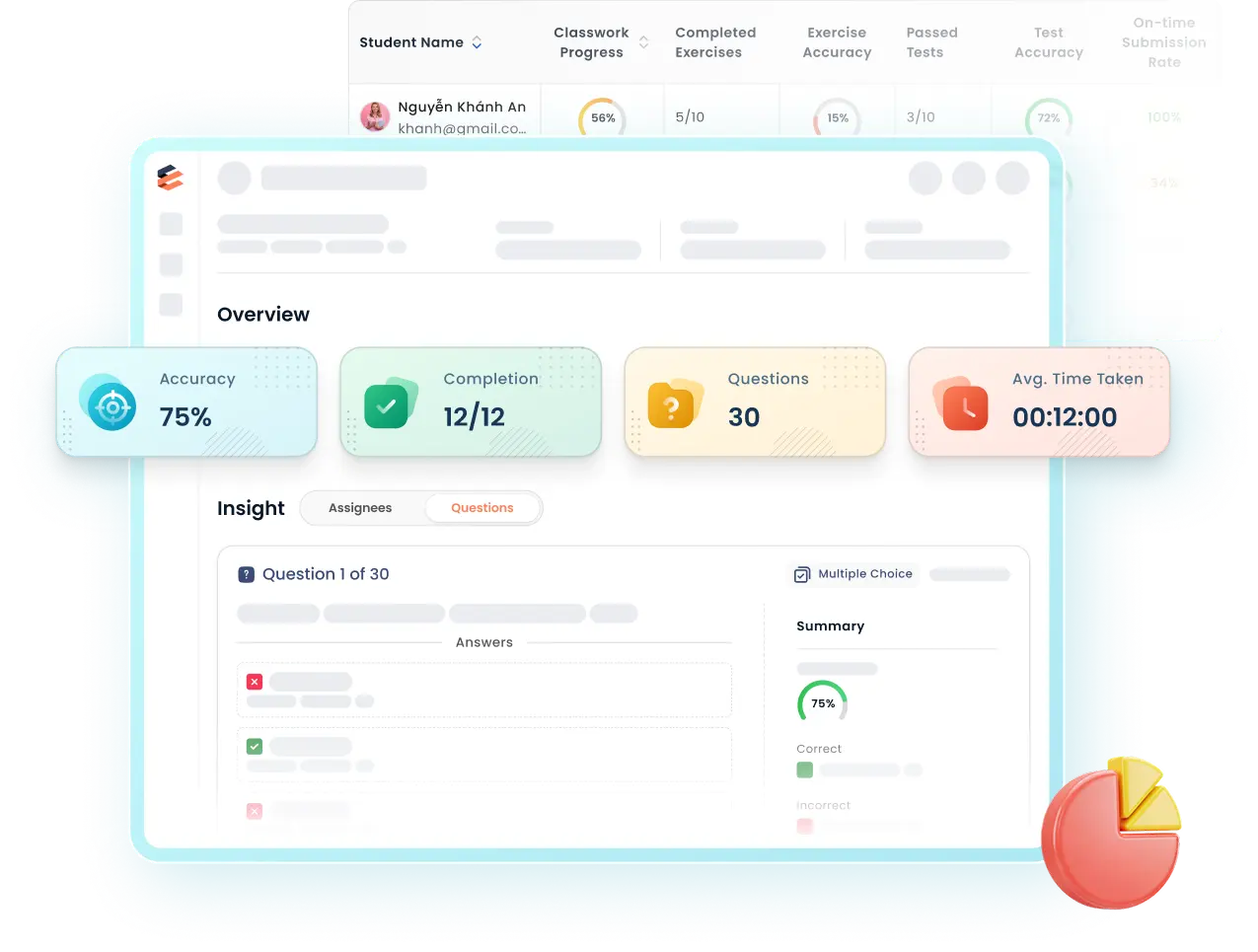 Estudyme classroom management dashboard overview
With Estudyme, teachers can:
- Set up classes quickly
- Approve student access
- Assign exercises and tests
- Set deadlines and time limits
- Track completion status
- Review learning results
- Spot students who need support
For teachers and learning organizations managing multiple online classes, Estudyme makes class management easier to see, easier to control, and easier to improve.
One platform. Every class, task, and student in sight!
V. Online class management checklist for teachers
A good online class is easier to run when the basics are clear. Use this checklist before and after each lesson to keep the class organized.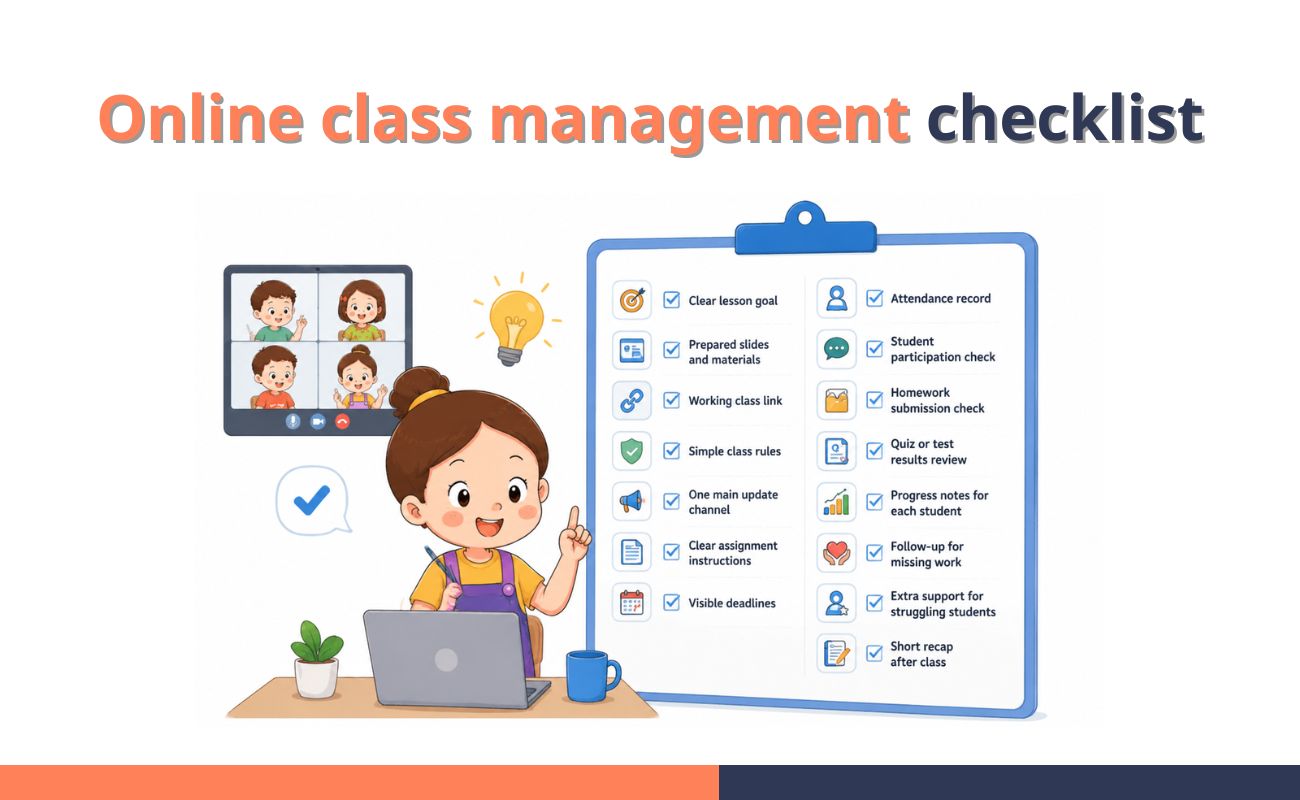 Online class management checklist for teachers
- Clear lesson goal
- Prepared slides and materials
- Working class link
- Simple class rules
- One main update channel
- Clear assignment instructions
- Visible deadlines
- Attendance record
- Student participation check
- Homework submission check
- Quiz or test results review
- Progress notes for each student
- Follow-up for missing work
- Extra support for struggling students
- Short recap after class